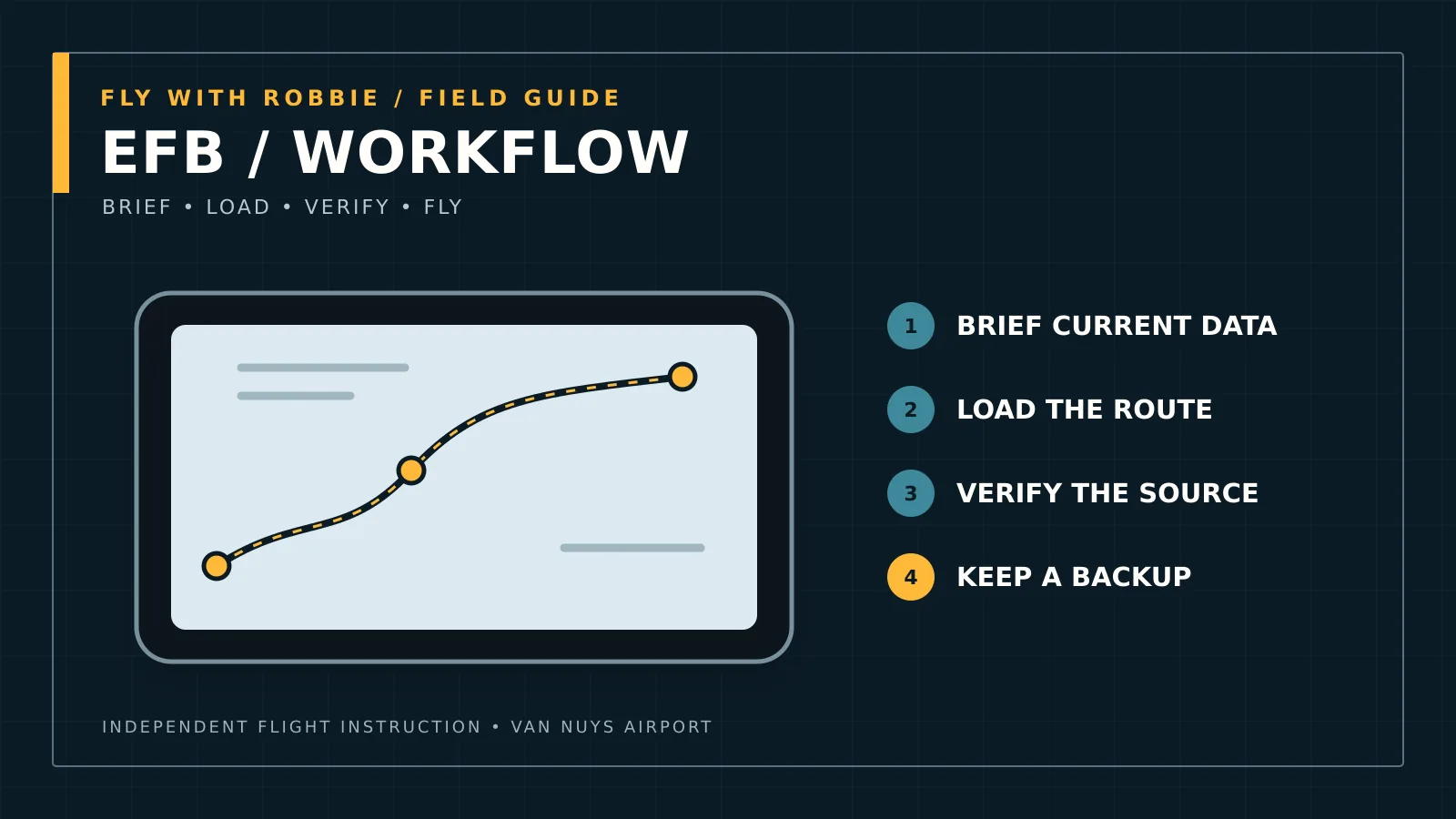
How to introduce ForeFlight without weakening fundamentals: weather, charts, airport data, cross-country planning, cockpit setup, ownship discipline, logbook use, and failure planning.
Short answer
Student pilots can begin using ForeFlight early for weather, charts, airport information, and document organization, but should add features in stages. The training goal is not to avoid digital tools; it is to understand the source data, verify the result, maintain an outside scan, and retain a practical backup when the tablet, receiver, battery, or data connection fails.
A staged introduction works better than an all-or-nothing rule
| Training stage | Useful ForeFlight tasks | Skill that must remain independent |
|---|---|---|
| First lessons | Weather overview, chart orientation, airport information, documents | Outside references, aircraft checklist, basic airspace recognition |
| Pre-solo | Taxi diagram, frequencies, NOTAM organization, logbook | Radio listening, runway awareness, local landmarks, traffic scan |
| Cross-country | Route, winds, fuel/time estimates, briefing, performance tools | Course, distance, fuel reasoning and verification |
| Checkride preparation | Efficient complete workflow and scenario changes | Explain the data, source, limitations, and backup |
| Instrument training | Procedure review, plates, flight plan, weather layers, track review | Avionics source/mode awareness and aircraft control |
Use the app to expose reasoning
A magenta line is the result of inputs. The student should still be able to explain why the route is legal and sensible, how the weather affects it, what airspace is crossed, where fuel margins come from, and what changes if winds or runway flow change. Digital planning becomes valuable when it makes those assumptions easier to inspect.
In training, I may ask a student to hide ownship position or navigate using outside references while keeping the chart available. The purpose is not nostalgia for paper; it is preventing the moving airplane symbol from replacing orientation and pilotage.
Cockpit setup matters at Van Nuys
A busy taxi clearance is not the time to reorganize tabs. At Van Nuys, runway and taxiway awareness deserves the same preflight attention as the route. Stop the airplane when necessary rather than trying to troubleshoot while moving.
- Mount the device where it does not block flight instruments, controls, or the outside view.
- Download current charts and documents before arriving at the airplane.
- Set brightness and heat management before taxi.
- Use an external power or battery plan appropriate to the flight.
- Keep the airport diagram available without heads-down searching during taxi.
- Brief what happens if the tablet, GPS receiver, or app becomes unavailable.
Weather layers are not a weather decision
Graphical radar, ceilings, winds, icing, turbulence, and forecasts make a briefing easier to organize, but no single layer answers go/no-go. Check observation times, forecast periods, movement, gaps, and the source behind the display. Build a narrative of what the weather is doing and what evidence would invalidate the plan.
Common student mistakes
- Zooming so far in that surrounding airspace and terrain disappear
- Following ownship without maintaining a mental position or outside scan
- Treating a proposed route as a clearance or guarantee
- Using stale downloads or overlooking NOTAM effective times
- Programming during high-workload phases instead of preparing earlier
- Assuming the logbook automatically proves certificate eligibility without reviewing entries
How ForeFlight and panel avionics divide the work
The tablet is an electronic flight bag; the installed navigation equipment controls different functions and has its own approvals and limitations. Cross-check the route and procedure, but avoid blindly entering the same mistake twice. During G1000 flight training, students should know which device is navigating, which source drives the CDI, and what information is advisory only.
A student can integrate ForeFlight throughout Private Pilot training at Van Nuys while still learning charts, planning, weather interpretation, and outside navigation as real skills.
Frequently asked questions
Questions pilots ask about this topic
When should a student pilot start using ForeFlight?
Early use is reasonable for weather, charts, airport information, and organization. Add moving-map and advanced planning features as the student can explain and verify the underlying decisions.
Do I still need paper charts?
The legal and practical backup depends on the operation and equipment. Training should ensure access to current information and a workable failure plan rather than treating paper or electronic format as an ideology.
Should ownship be turned off during training?
It can be useful during selected pilotage and navigation exercises so the student demonstrates orientation without following the airplane symbol. It does not need to be hidden on every flight.
Primary references
Verify the controlling information
Regulations, procedures, avionics, weather, and airport information can change. Use the current official source for an actual flight or certification decision.